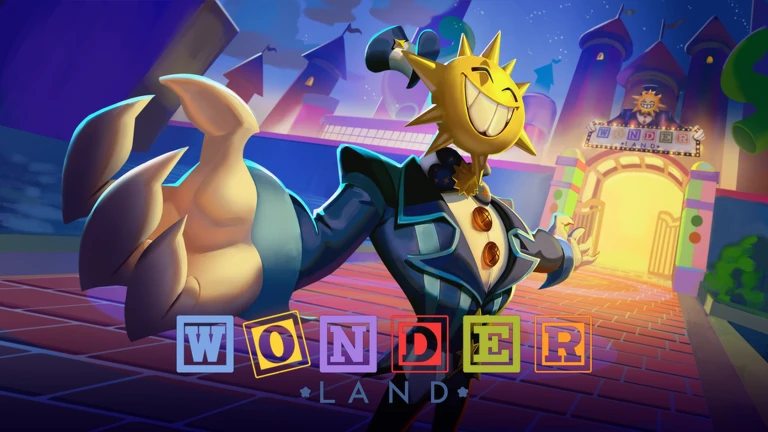
What is Wonderland?
Wonderland codes give Roblox players free Gems that can be added directly to their in-game account. Gems are the game’s listed reward resource, and the current active code provides 100 Gems.
Latest Active Roblox Wonderland Codes
There is currently 1 active Wonderland code:
- RELEASE26 — 100 Gems
How to Redeem Wonderland Codes in Roblox
- Launch Wonderland on Roblox.
- Select the Gems icon in the top-right corner of the screen.
- Select the Codes button.
- Enter or paste the active code into the code input box.
- Select the green Redeem button.
- The 100 Gems reward will be added to your in-game account.
Wonderland Gems Guide
Gems are the listed reward resource in Wonderland, and the current code provides 100 Gems.
- Your Gems balance can be viewed through the Gems icon in the top-right corner.
- The current active code,
RELEASE26, provides 100 Gems. - Make sure to select Redeem after entering the code so the reward can be received.
Why Aren’t My Wonderland Codes Working?
If a Wonderland code is not working, check the following:
- Check the code: Enter
RELEASE26exactly as shown. - Check for typing errors: Make sure every character is correct.
- Remove extra spaces: Do not add unnecessary spaces before or after the code.
- Check the code status: Make sure you are using an active code.
- Try copying and pasting: This can help prevent manual input errors.
How to Get New Wonderland Codes
Bookmark this page and check back regularly for the latest verified Wonderland codes. We will update the list when new codes become available.
You can also follow the game’s official developer and community channels for future code announcements.