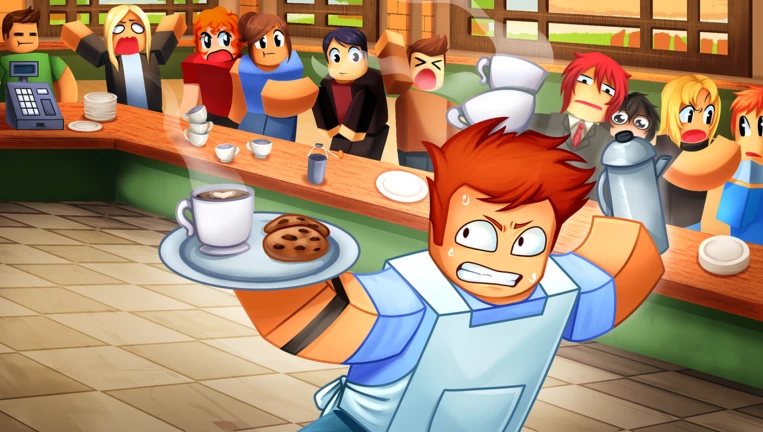
Roblox My Baddie Restaurant Codes are essential for players looking to earn free Star Spins, Gems, and Limitless Dice to build and manage their dream establishment. My Baddie Restaurant is a stylish restaurant management simulation game on Roblox where players serve customers, level up their establishment, and enhance their gameplay using valuable in-game resources. Below is the updated list of active working codes along with step-by-step redemption instructions.
What is Roblox My Baddie Restaurant?
- My Baddie Restaurant is a popular restaurant simulation experience hosted on the Roblox platform. In My Baddie Restaurant, players take charge of running a bustling restaurant, serving guests, and expanding their culinary empire. Players can utilize in-game items like Gems, Limitless Dice, and Star Spins to progress faster. In addition, Spins provide additional Dice attempts, while Potions are used to enhance your Restaurant and Pets to maximize overall efficiency.
Latest Active Roblox My Baddie Restaurant Codes (2026)
- StarSpins_3 – Star Spins x3 (New Code)
- 250America – Gems x250, Limitless Dice x5 (New Code)
How to Redeem My Baddie Restaurant Codes in Roblox
- Launch My Baddie Restaurant on Roblox.
- Wait for your Restaurant to load completely.
- Select the Store button located on the left side of the screen.
- Select the Codes tab at the bottom of the Store menu.
- Type or paste your active code into the text input box.
- Click Redeem to confirm and receive your Spins, Potions, Gems, or Dice.
In-Game Items & Community Resources for My Baddie Restaurant
- Item Functions: Free rewards unlocked through codes provide essential boosts. Spins supply extra Dice attempts, whereas Potions serve as powerful enhancements for both your Restaurant and Pets.
- Community Channels: Developers frequently post announcements regarding new codes and game updates on the official Discord server’s announcements channel, as well as on the official Roblox community page.
Why Aren’t My My Baddie Restaurant Codes Working?
- Unnecessary White Spaces: Ensure there are no extra or accidental spaces added before, after, or within the code when typing or pasting.
- Case Sensitivity Errors: Codes must be typed exactly as shown (matching letter casing and numbers strictly) to work properly.
How to Get New My Baddie Restaurant Codes
- Bookmark this page and check back regularly, as this guide will be continuously updated whenever new promo codes are released.